A whole pizza,
delivered to your Mac menu bar 🍕
Order with ⌘C, deliver with one shortcut.
From the text you copied two seconds ago to that image you stashed earlier, pull every slice straight from your menu bar while it’s still hot.

How many slices did you bake today? 🍕
All that precious data, gone the instant your next copy bumped it off the clipboard. Not anymore. Every time you copy, a fresh slice stacks up in your menu bar — text, links, images, saved automatically. Watch all eight come together into a whole pie, and somehow that mountain of work is done before you know it.


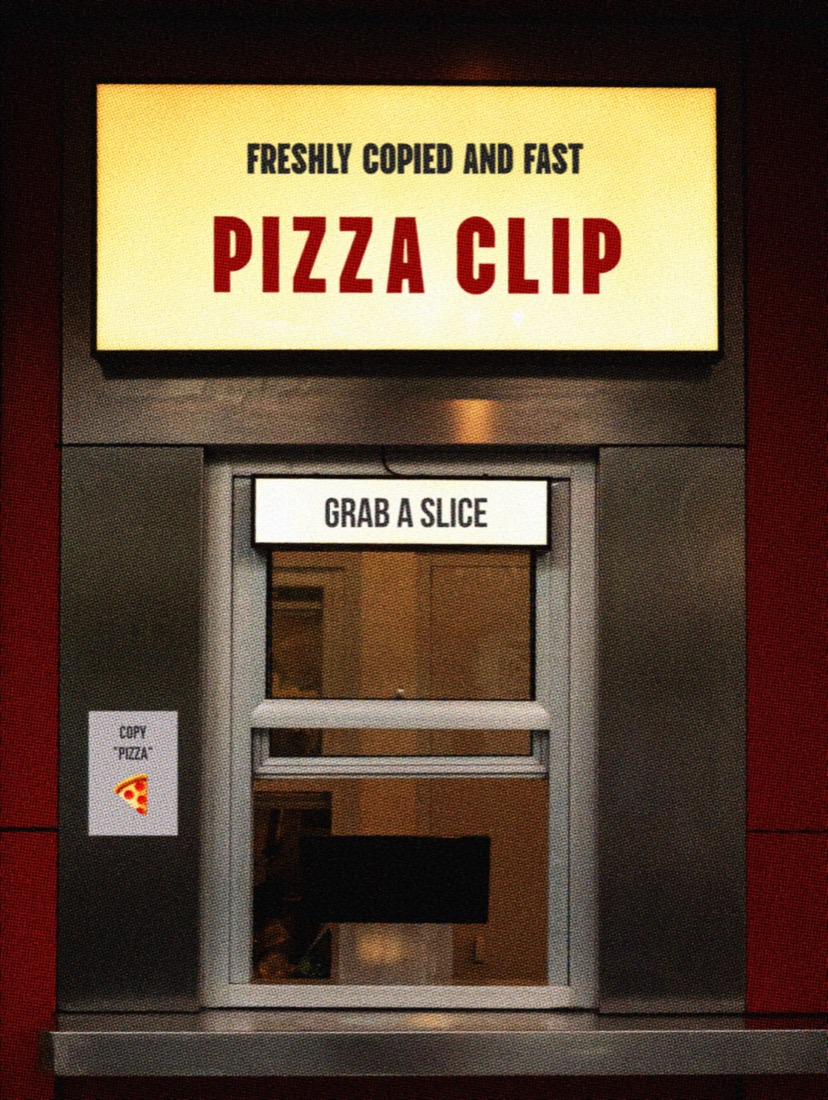
For people who can’t spare the second it takes to reach for the mouse. ⚡️
What you copied a moment ago, what you copied at noon — one shortcut summons it all. No more digging through Finder or a scratch note. Stay right where you are, tap the shortcut, and every slice you’ve collected (your clipboard history) fans out at a glance. Hands off the mouse — paste at full speed from the keyboard. You’ll work about twice as fast.


Zero leaks. Your pizza is baked on your machine, and yours alone. 🔒
Ever felt a little uneasy copying a password, an account number, or other sensitive info? PizzaClip never sends your data to a cloud server. Everything you copy is baked into a slice safely inside your own computer (locally) — and nowhere else. Copy whatever you want, as much as you want, with zero worry about leaks.


What PizzaClip does
-
🍕 An endless vault for ⌘C
Text, images, files — the moment you copy, it’s stashed for you. No more groaning when a new copy wipes out the last one.
-
⚡ A one-second draw for keyboard warriors
Hit ⌘⇧V to open your clipboard, then press a number key (0–9) to grab the exact slice you want. No reaching for the trackpad — one second, for real.
-
🇰🇷 Easy Korean/English switching
Flip between Korean and English with that idle right ⌘ key. It kills the input-source annoyance that quietly drives Mac users up the wall. (Toggle on or off.)
-
🔒 Airtight local security
Worried a copied password or personal detail might slip out? Your whole history stays on your Mac and never touches an outside server.

Shortcuts at a glance 🍕
One second, keyboard only. Pull out a copied slice and use it right away.
- ⌘⇧V
- Open the clipboard history popup
- ⌘⌥⌃1 ~ 9
- Paste item number 1–9 instantly
- ↑ ↓ / 1~9
- Move and select items inside the popup
- ↵
- Paste the selected item
- 0
- Paste everything in sequence, 9 → 1
- ⌫
- Delete an item · ⌘P to pin
- Right ⌘
- Switch Korean ↔ English input (when the option is on)
PizzaClip —
the one topping your Mac can’t go without
- Free, zero bucks — grab it and go, no strings attached
- Made for your Mac — runs smooth on every model, whatever you’ve got
- Safe and sound — Apple-notarized, no virus or security warnings
- Updates itself — always current, nothing to chase down
macOS 13+ · Works on every Mac · Free