Your Mac looks calm —
so why’s it running hot? 🔥
It seems idle on the surface, but behind the scenes your CPU is racing, memory is busy, and the battery is quietly draining. Hot Sauce shows you just how hard your Mac is working.
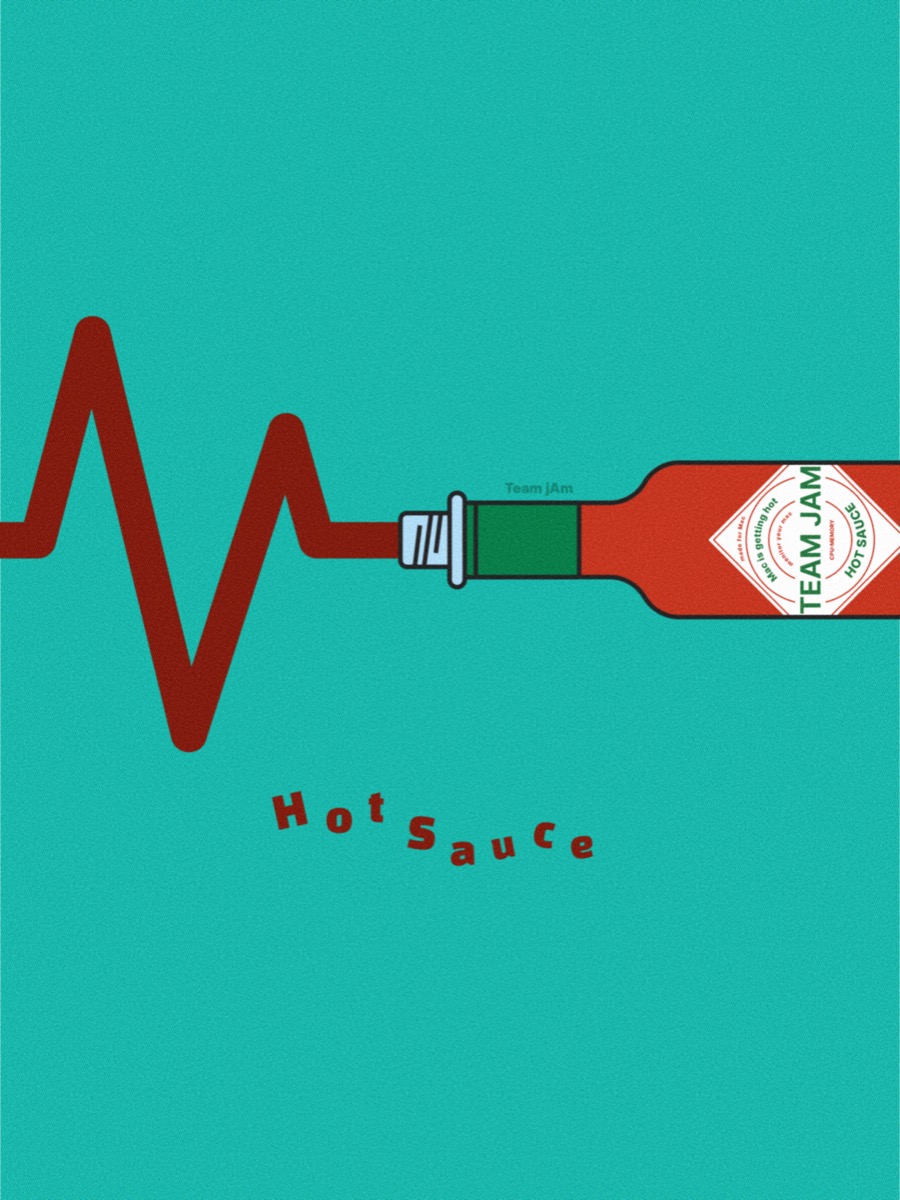
Precise numbers, a little more fun. See exactly how hard your Mac is working. 🔥
CPU load, memory usage, battery level, disk space, network activity — see what your Mac is doing at a glance. No heavy windows to open; just the essentials, right from a menu-bar icon.
Is your seemingly-idle Mac actually sprinting? Is the battery draining faster than expected? Hot Sauce sends you a small signal, right from the menu bar.

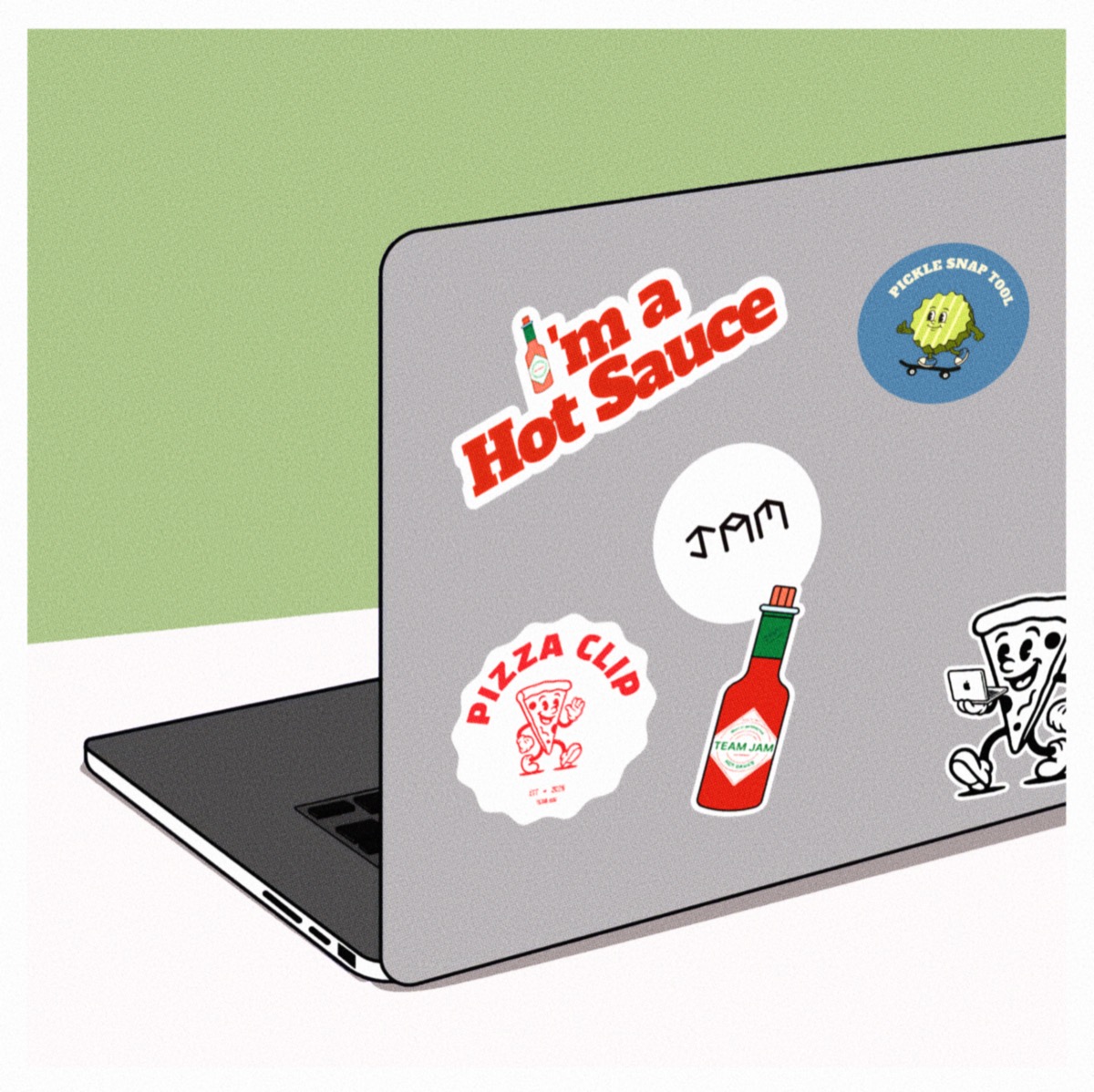
PizzaClip, PICkle, and the Hot Sauce you can’t skip
Is your Mac sprinting or taking a breather? Check the fun, easy way — right from the Hot Sauce icon in your menu bar.
macOS 13+ · works on every Mac · free · on the Mac App Store
Downloaded Hot Sauce straight from this site before? The App Store version replaces your existing copy in place — there's nothing to delete. After installing, quit Hot Sauce from the menu bar and open it again to pick up the new version. Your settings — language and launch at login — don't carry over, so set them once more.